图层分解
把一张图片拆分为可独立编辑的图层。自动识别文字、物体与前景元素,每个元素单独导出为透明 PNG,方便后续设计。
Upload Your Image
Use URL
Click to upload or drag & drop
jpeg, png, webp, bmp, tiff, gif
What to separate (optional)
Output resolution
Base image format
Credits required: 35
Key Features
- Splits an image into up to 16 editable layers
- Text, objects and subjects each become their own layer
- Every layer exports as a transparent PNG
- Guide the result with an optional prompt or bounding boxes
Result
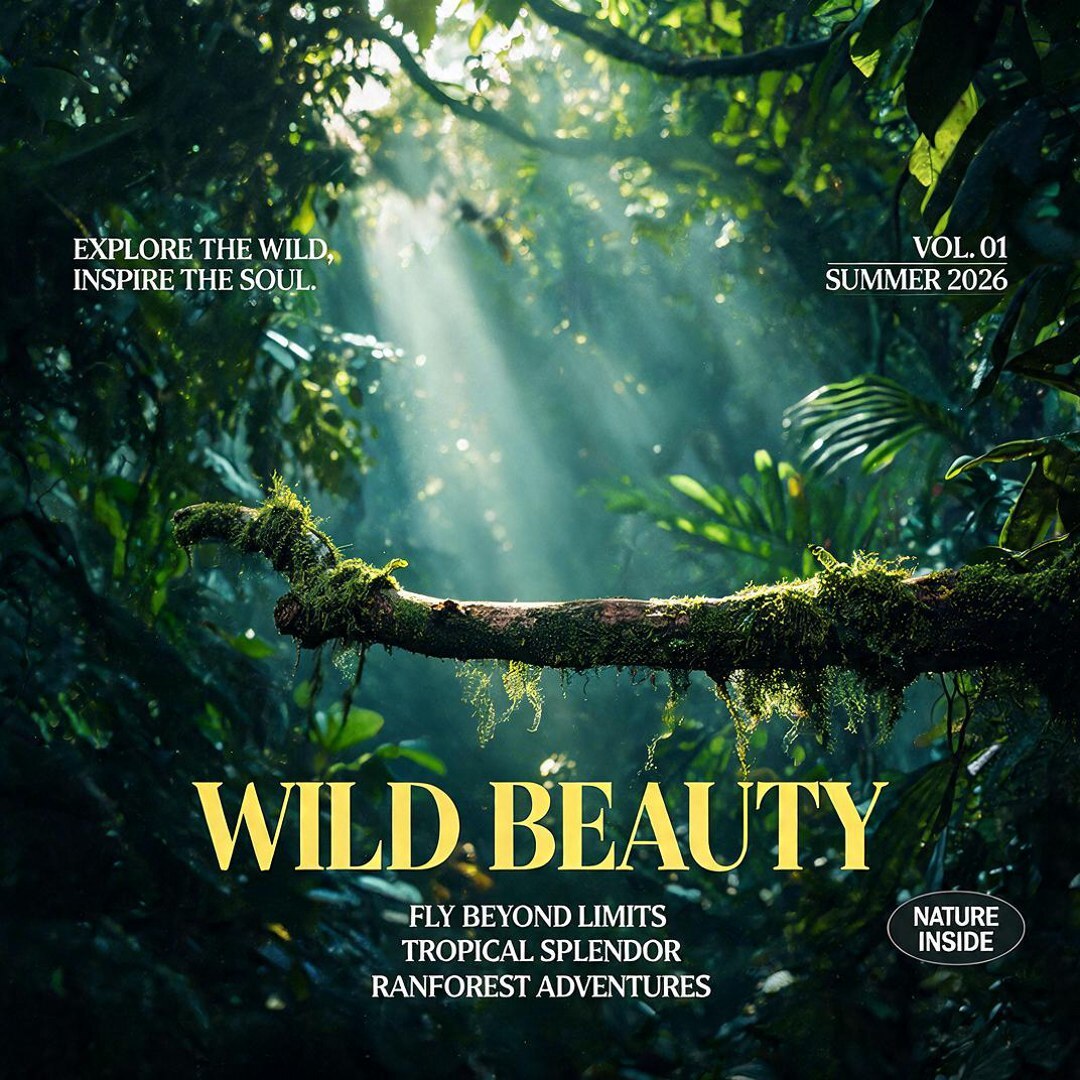
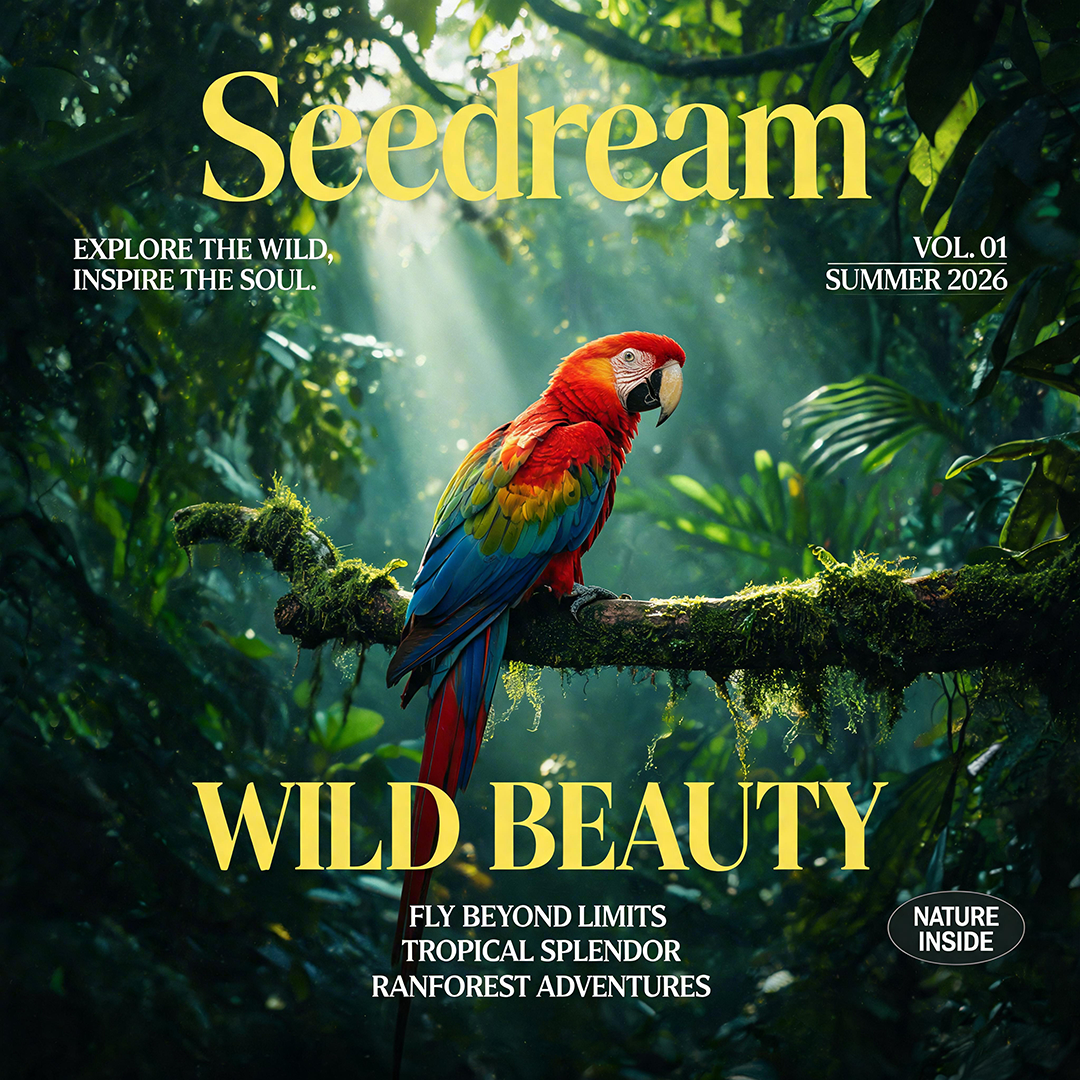
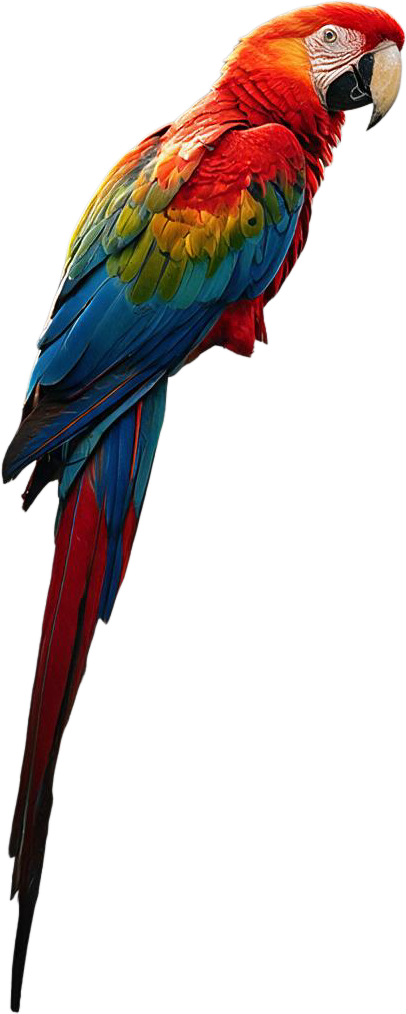 Layer 1
 Layer 2
什么是图层分解?
图层分解把一张成图拆分成独立元素。上传一张图片,即可把每个主体、文字块与物体变成可编辑的独立图层。
图层分解的核心功能
把成图变成一个个可独立编辑的素材。

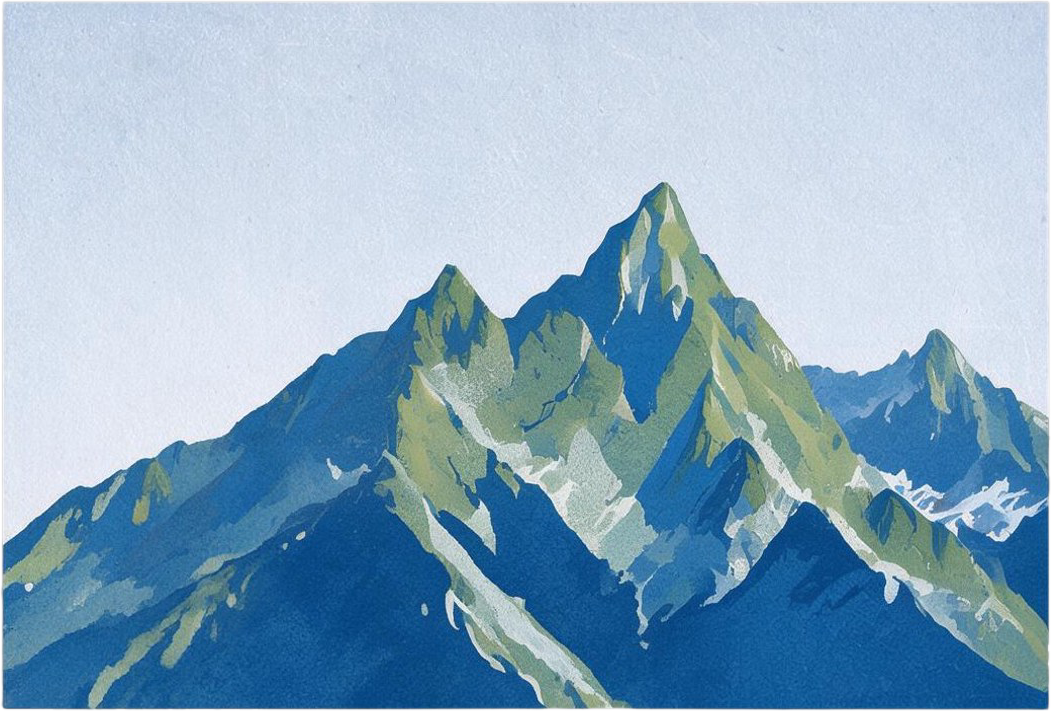
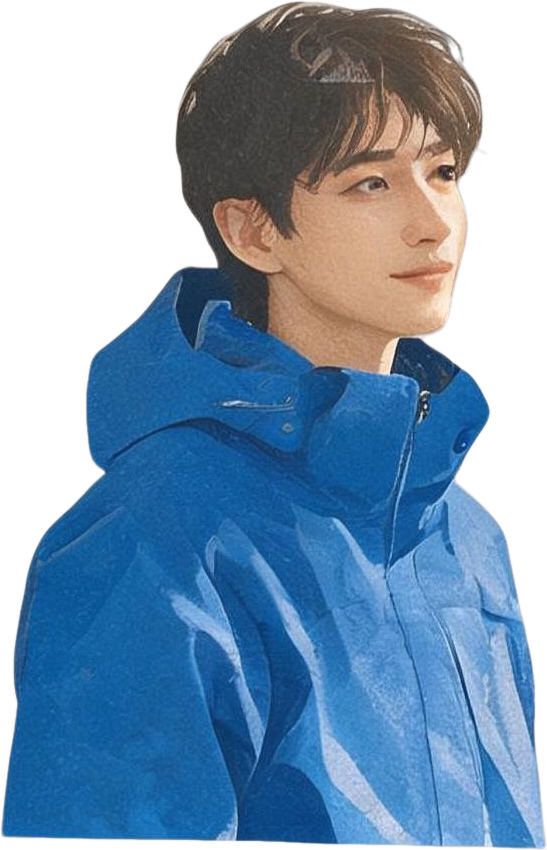
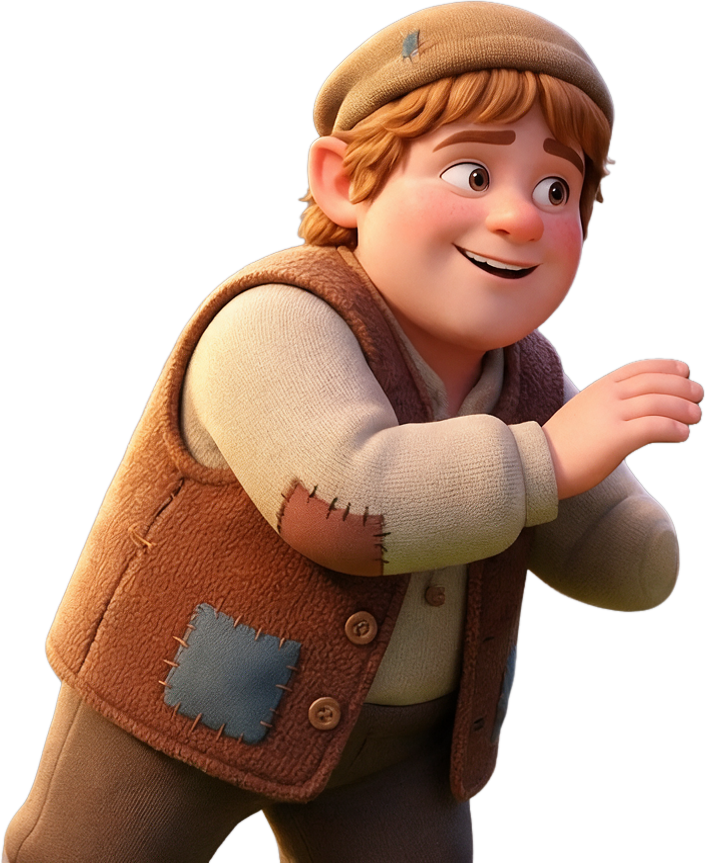
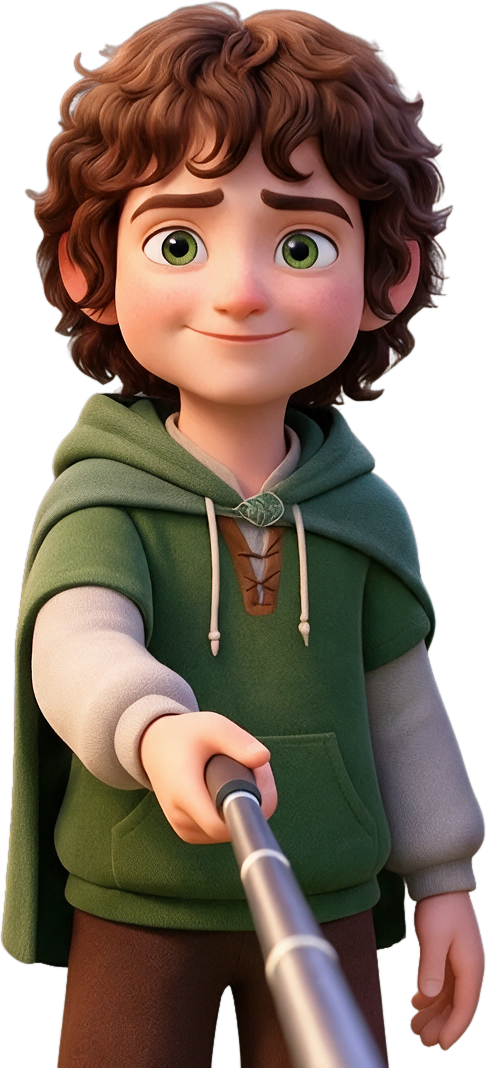
分离各个元素
把标题、物体与前景主体拆成独立图层,每个都能单独移动、改色或替换。元素之间边界清晰会更有帮助。

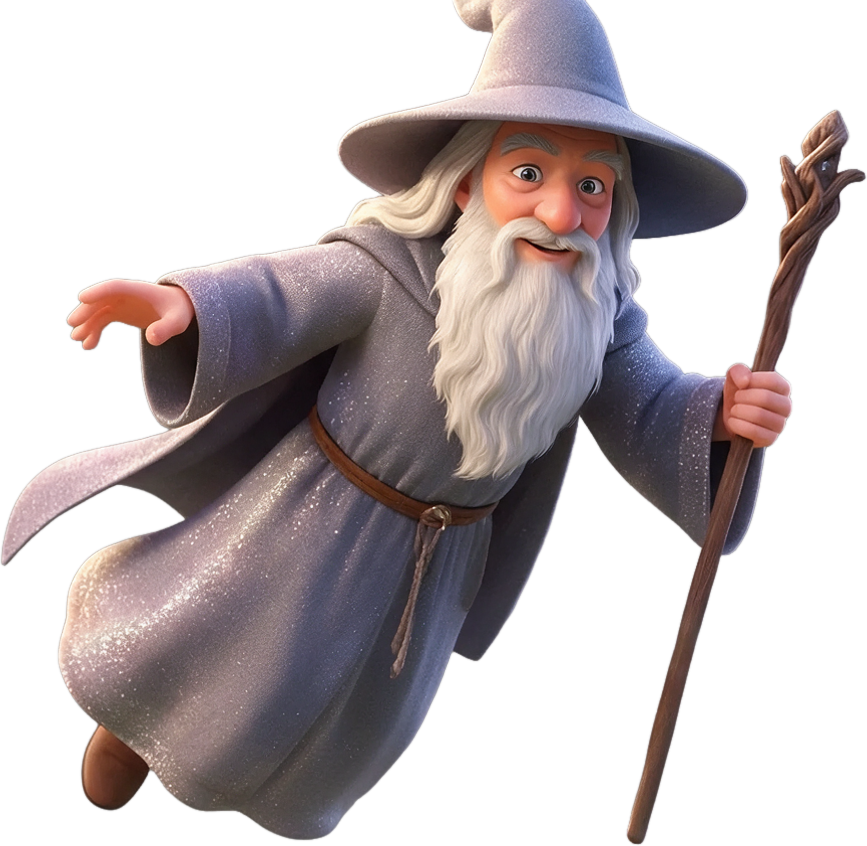

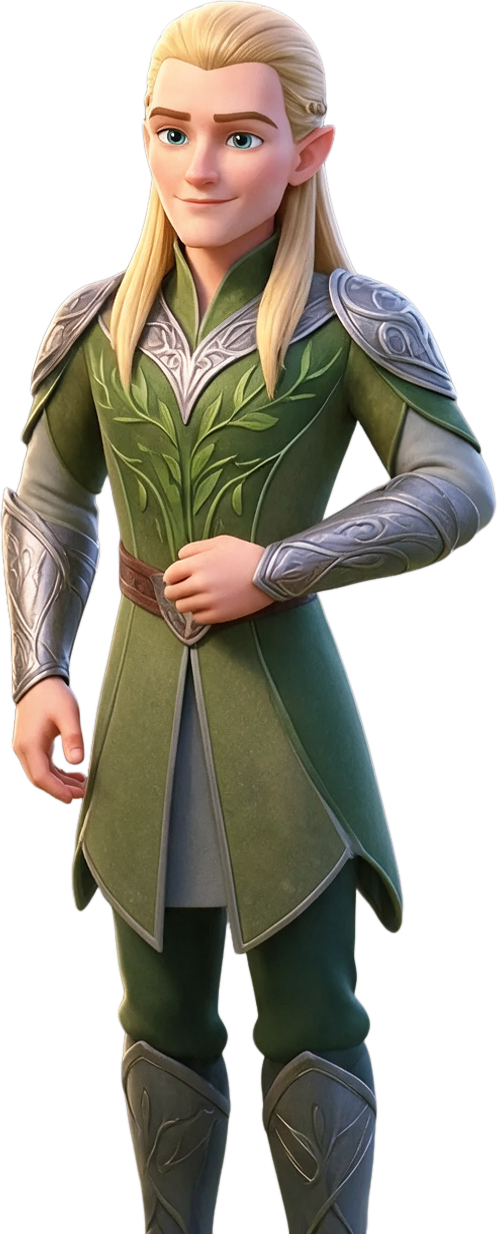
复用每个部件
下载各图层并放入你常用的设计工具,自由叠放、调序或换风格,组合出全新的画面。
发布前先检查
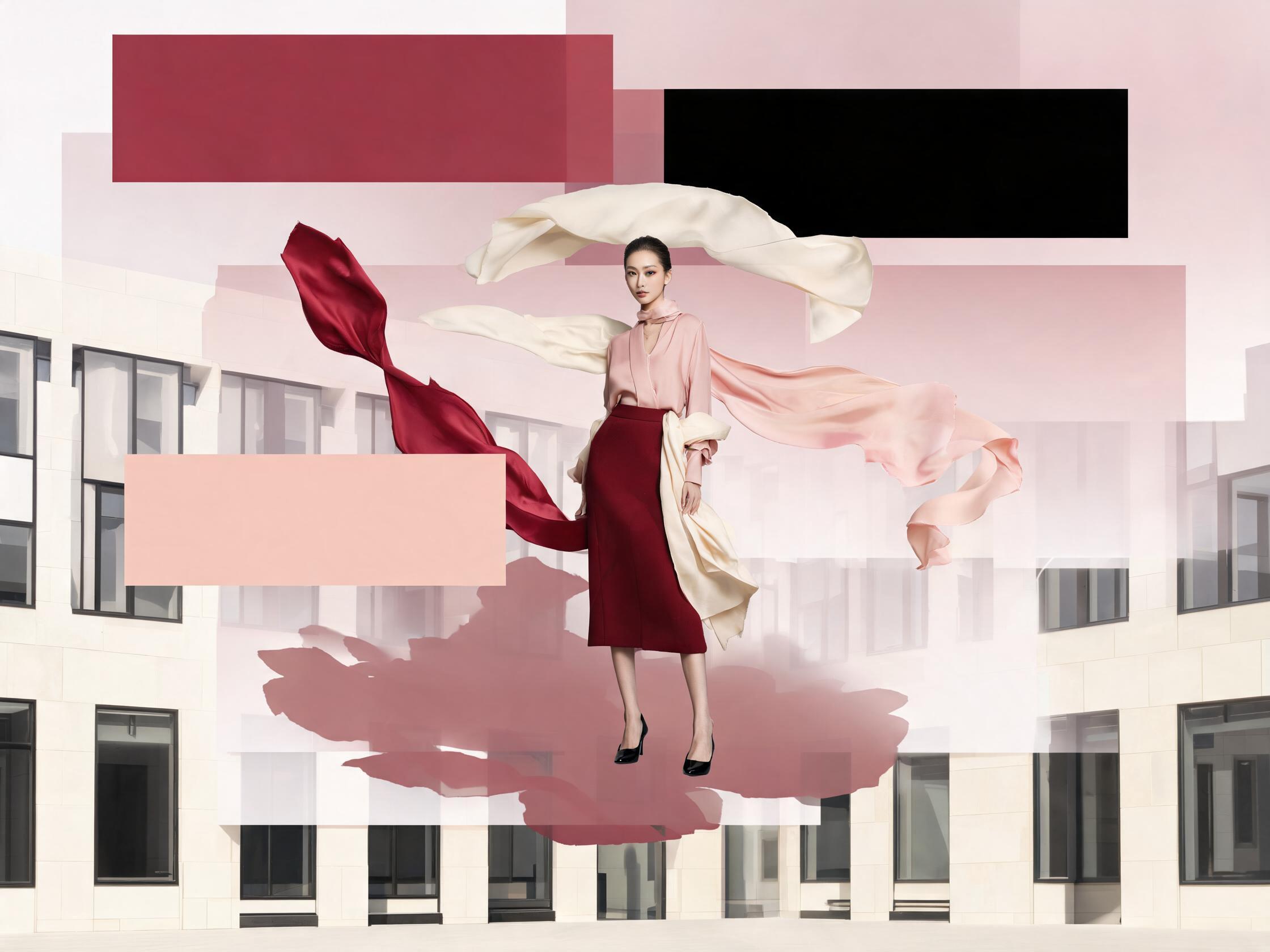
预览每个图层,检查边缘、文字与透明区域。复杂元素可能还需要在设计流程中进一步修整。
如何使用图层分解
三步获得干净的可编辑图层。
上传图片
拖入想要拆分成图层的图片。
识别元素
AI 自动识别主要物体、文字与前景元素。
导出图层
每个元素单独导出为透明 PNG。
为什么选择我们的图层分解
无需手动抠选,直接得到可编辑图层。
自动分离
AI 自动找到并分离各个元素,无需手动蒙版。
文字与物体
标题、Logo、商品与人物都能各自成为独立图层。
透明 PNG 图层
每个分离图层都带干净的透明通道。
可控选择
用提示词描述要分离的内容,或用边界框精确指定区域。
灵活分辨率
底图支持 auto、1K、1.5K、2K 多种输出档位。
可直接编辑
在任意设计工具中重新组合画面,掌控每个细节。
常见问题
关于图层分解您需要了解的一切。
把设计拆成可复用的部分。
从一个想法开始,做出第一版,再继续完善。
开始图层分解